
FridayTouch
Remote PC control system via Telegram
Full control of your computer from any device — simply install the application and open the bot.
Documentation
Remote PC control system via Telegram
Full control of your computer from any device — simply install the application and open the bot.
Documentation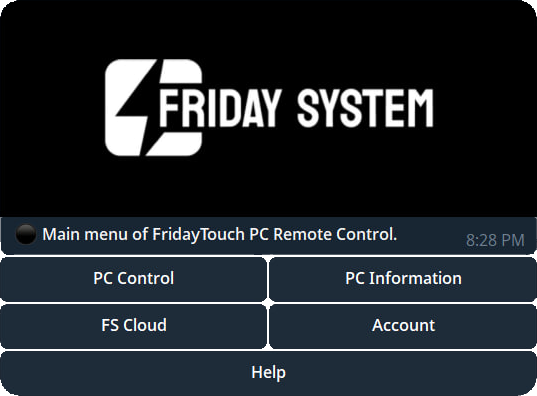

Full computer control directly from Telegram — no additional software required.

Mouse, keyboard, application launching, gaming, browser control, and much more.

Receive real-time information about your computer.

Minimal system impact while running in the background.

Full control of your computer from any device — simply install the application and open the bot.
FridayTouch is a remote computer management system powered by Telegram. It allows you to control your PC from a phone or any other device
Install the FridayTouch application on your computer, launch it, and sign in to your account. Then open and authorize the Telegram bot.
Latency is minimal with a stable internet connection and is typically less than one second.
Yes, the computer must be turned on and connected to the internet.
No, FridayTouch works through Friday System servers and does not require a VPN.
No, FridayTouch works through Friday System servers, so no port forwarding is required.